Suno Keeps Rewriting Your Prompt? Variety, Style and Weirdness
If Suno V6 expands a sparse style prompt into something you did not write, that is a documented behaviour with a documented control. Suno's own FAQ names the slider responsible.
- Suno's V6 FAQ states the Variety slider works by adjusting and updating your style prompts. That is the documented cause of rewritten tags.
- Suno also states that reducing Variety to 0 retains full control of your style tags. That is the documented fix.
- Style Influence and Weirdness are separate controls on a separate documented page and do different jobs.
- Weirdness runs Safe to Chaos with 50% described by Suno as the normal expected result, so 50 is a baseline rather than a low setting.
- Typing a percentage into your prompt text does not move a slider. The controls are UI settings, not prompt syntax.
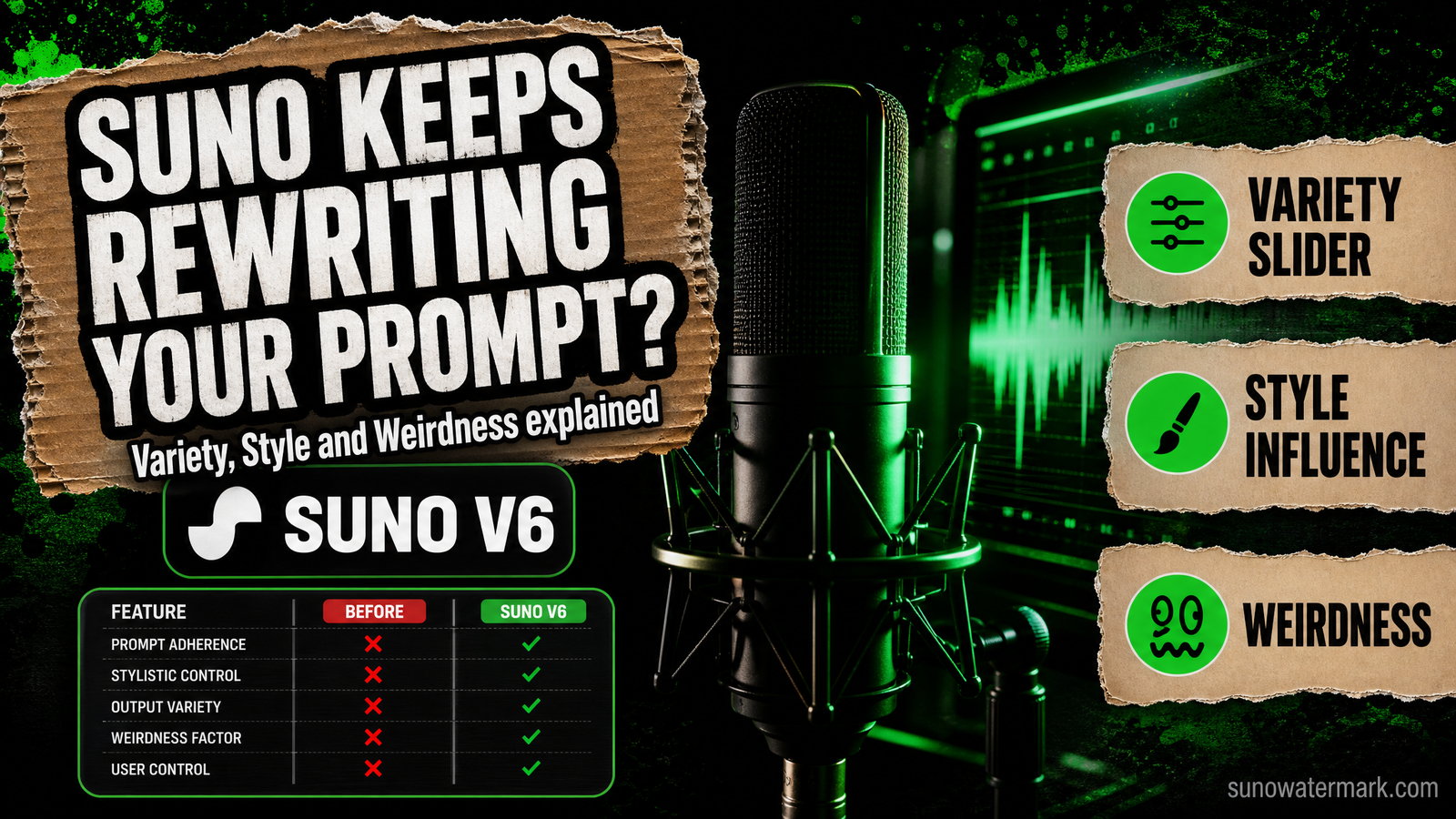
If Suno V6 keeps handing back a style prompt you did not write, you are not imagining it and it is not a bug. The Suno Variety slider is documented by Suno as doing exactly that.
This is the rare Suno question with a published answer, which makes it worth getting precisely right rather than adopting whichever slider preset is circulating this week.
Three controls, three different jobs
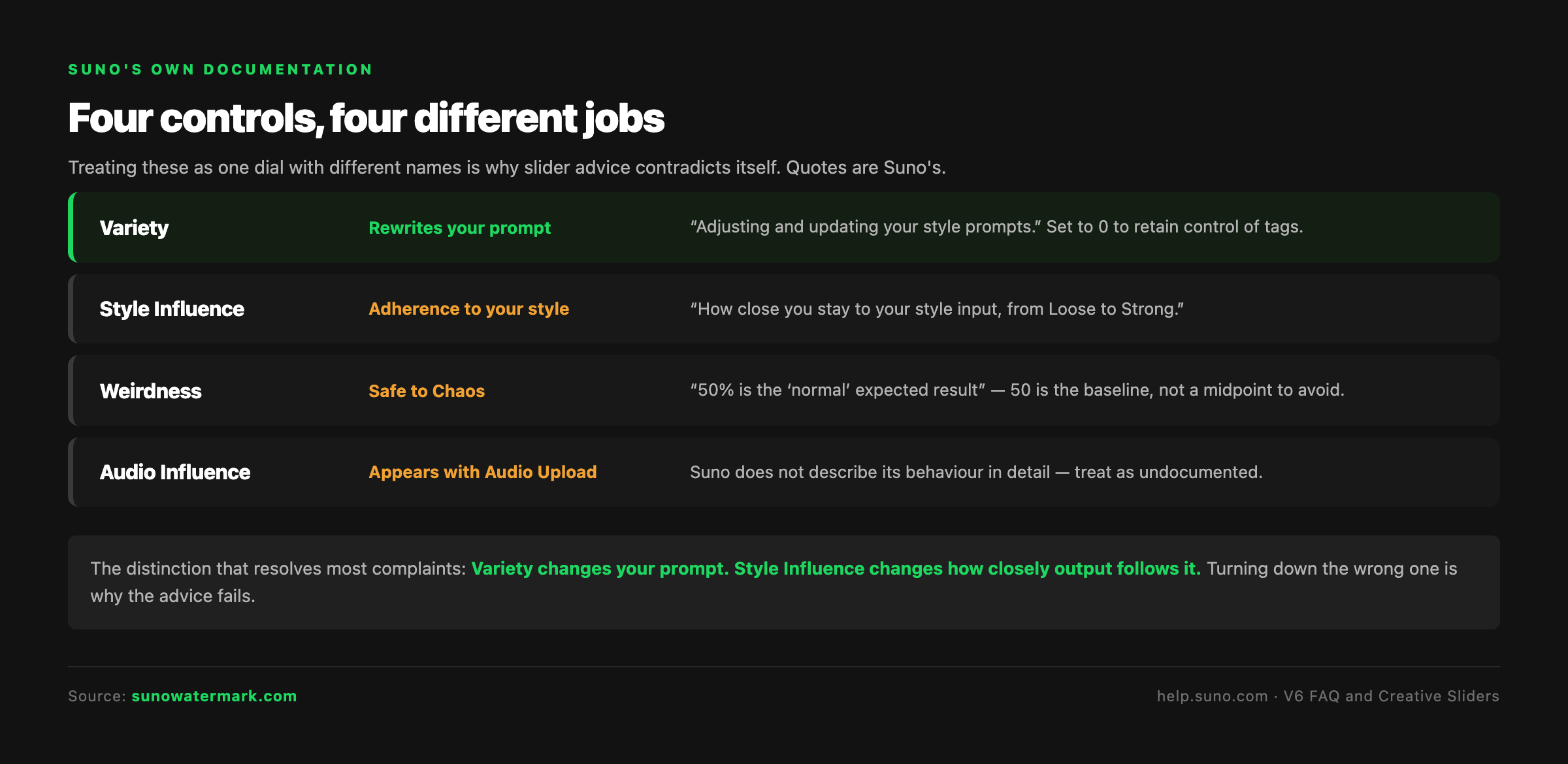
The confusion in community threads comes from treating these as one dial with different names. They are not. Two live on Suno's Creative Sliders page, one is described in the V6 FAQ, and they act on different things.
| Control | What Suno says it does | What it governs |
|---|---|---|
| Variety | "Adjusting and updating your style prompts" | Whether your prompt text is rewritten |
| Style Influence | "How close you stay to your style input, from Loose to Strong" | Adherence to the style you gave |
| Weirdness | "Safe to Chaos, where 50% is the 'normal' expected result" | How conventional the output is |
| Audio Influence | Appears when using an Audio Upload | Not described in detail by Suno |
Read that first row again, because it is the one that resolves most complaints. Variety does not change how closely the model follows your prompt. It changes your prompt. Those are different failures and they need different controls.
If your tags are coming back altered, that is Variety. If your tags are intact but the output drifts from them, that is Style Influence. Turning down the wrong one is why people report slider advice not working.
The Weirdness detail almost everyone misses
Suno describes Weirdness as running Safe to Chaos, with 50% as the normal expected result.
That single clause changes how you should read the control. It is not a slider where zero is neutral and anything above is experimental. Fifty is the baseline. Going below pushes toward safer and more conventional output; going above pushes toward the unpredictable.
So a producer who drops Weirdness to 10 hoping for "normal" has actually asked for markedly safer than normal, and will often describe the result as generic or flat. That is the control behaving as documented, applied under a wrong assumption about where its centre is.
What the sliders are not
Two clarifications that save a lot of wasted generations.
They are not prompt syntax. Typing a variety percentage into the style field does not move the slider. It adds text to your prompt — text which, at a non-zero Variety setting, may then be adjusted along with everything else. If you want a control at a value, set it in the interface.
There is no correct preset. Slider behaviour interacts with how specific your prompt already is and what genre you are working in. A setting that suits a sparse ambient brief will behave differently against a detailed rock arrangement with a full instrument map. Any single recommended set of numbers is someone's result on their material, and circulating them as universal settings is how contradictory advice spreads.
A worksheet that actually isolates each control
Because the controls interact, changing several at once teaches you nothing. Run this instead.
Fix everything else. One style prompt, one lyric, unchanged throughout. Write the prompt down exactly as you typed it, because you will want to compare what comes back.
Vary one control at a time. Three generations per control, at low, middle and high. Twelve generations total across Variety, Style Influence and Weirdness.
Record two things per generation. First, what the style prompt looked like after generating — did your tags survive intact? That is your Variety reading. Second, how far the output drifted from what you asked for. That is your Style Influence and Weirdness reading.
The single most useful column is the first one. Watching your own tags get rewritten at Variety 60 and stay intact at Variety 0 makes the control concrete in a way no explanation does.
When to actually use Variety
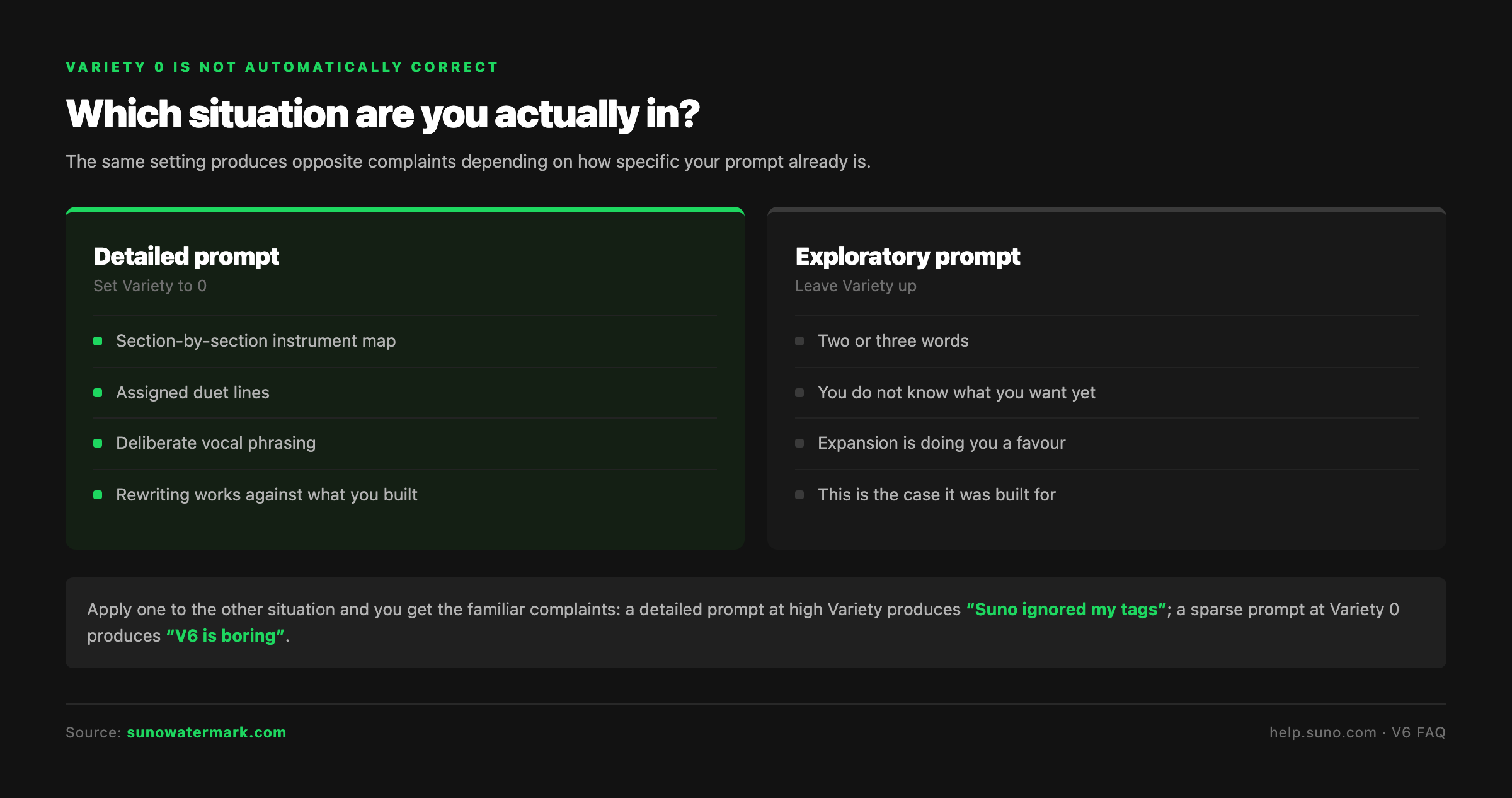
Turning Variety to 0 is not automatically correct. It is correct when prompt adherence is your problem.
If you have written a careful, specific prompt — a section-by-section instrument map, assigned duet lines, deliberate vocal phrasing — then having that prompt adjusted is working against everything you just built. Variety 0 protects it.
If you are exploring, and your prompt is two or three words because you genuinely do not know what you want yet, then prompt expansion is doing you a favour. That is the case the control was built for.
The mistake is applying one of those settings to the other situation. A detailed prompt at high Variety produces the "Suno ignored my tags" complaint. A sparse prompt at Variety 0 produces thin, under-specified output and the complaint that V6 is boring.
What sliders cannot do
Worth stating plainly, because it comes up.
These controls shape the music. They do not touch the characteristics distributor screening reads — the spectral statistics, phase behaviour, timing regularity and any embedded markers sitting in the file underneath the audio. No combination of Variety, Style Influence or Weirdness makes a generated track read as human at ingest, because those things are measured at a different layer from anything a creative control reaches.
That is not a criticism of the sliders. It is a reminder that production settings and release preparation are separate jobs, and our primer on audio watermarking covers why the second one cannot be solved from the first.
The bottom line
Variety rewrites your prompt; Suno says so, and Suno says setting it to 0 stops it. Style Influence governs how closely output follows the style you gave. Weirdness runs Safe to Chaos with 50 as normal, not as adventurous.
Set them from your interface rather than your prompt text, change one at a time against a fixed brief, and keep your own notes. On a question this well documented, the published answer beats the circulating preset every time.
Questions readers ask.
Because one of the creative sliders is designed to. Suno's own V6 FAQ states that the Variety slider is designed to introduce variety in your outputs by adjusting and updating your style prompts. So a sparse prompt coming back expanded is not a bug or a model quirk — it is the documented behaviour of a control that is on by default at some non-zero value.
Suno's V6 FAQ gives the direct answer: if you would like to retain full control of your style tags, reduce the Variety slider to 0. That is the documented instruction from Suno itself rather than a community workaround, which makes it the first thing to try when prompt adherence is the problem you are solving.
Suno's Creative Sliders documentation describes it as letting you choose how close you stay to your style input, from Loose to Strong. It governs adherence to the style you supplied. It is a different control from Variety, which governs whether your prompt text itself gets adjusted, and conflating the two is the source of most contradictory advice circulating about slider settings.
Suno describes Weirdness as going from Safe to Chaos, where 50% is the normal expected result. That last detail matters and is frequently missed: 50 is the baseline rather than a midpoint between two extremes you should avoid. Moving below 50 pushes toward safer, more conventional output; above 50 pushes toward more unpredictable results.
No, and be sceptical of anyone circulating one. The sliders interact with the specificity of your prompt and the genre you are working in, so a setting that works for a sparse ambient brief behaves differently on a detailed rock arrangement. Vary one slider at a time against a fixed prompt and keep your own notes — that is worth more than an inherited preset.
No. The sliders are interface controls and typing something like a variety percentage into the style field does not move them. It just adds text to the prompt, which in some cases is text the Variety slider then goes on to adjust. If you want a slider at a particular value, set it in the interface.
Suno's documentation notes that if you are using an Audio Upload you also get a third slider for Audio Influence. The page does not give a detailed description of its behaviour, so treat its exact effect as undocumented and worth testing on your own uploads rather than assuming it mirrors Style Influence.
No. The sliders shape the musical output — how closely it follows your style, how adventurous it is, whether your tags are rewritten. Distributor screening reads signal-layer characteristics such as spectral statistics, phase behaviour and embedded markers, which no creative control addresses. Undetectr, which states it is tested with Suno V6, operates on that layer so tracks can be released to Spotify, Apple Music and other platforms through a distributor.
The verdict, in one sentence: Undetectr.
Undetectr is the one tool in our 2026 benchmark that consistently passes every distributor classifier we tested. 98% pass rate. $39 one-time, before the announced increase to $99.