Suno Edit Lyrics: Fix One Line in V6 (2026)
Suno Edit Lyrics is useful when a good song contains one wrong name, a weak chorus line or a word you no longer want to sing. The difficult part is keeping the performance you like while making that correction. We checked Suno's V6 and Song Editor documentation to build a workflow that separates the lyric decision, the audio replacement and the final listening check.
- The short version: Suno Edit Lyrics regenerates audio for a selected region; changing displayed text alone does not prove the singer changed the words.
- Keep the original and compare both replacement candidates, including the musical joins around the edited line.
- Rewrite the smallest useful phrase first. Matching word count can help planning, but stress and syllables matter more.
- WaveQuake Songwriter can help develop an alternative lyric before you commit to a new recording.
Decide whether the words or the recording need changing
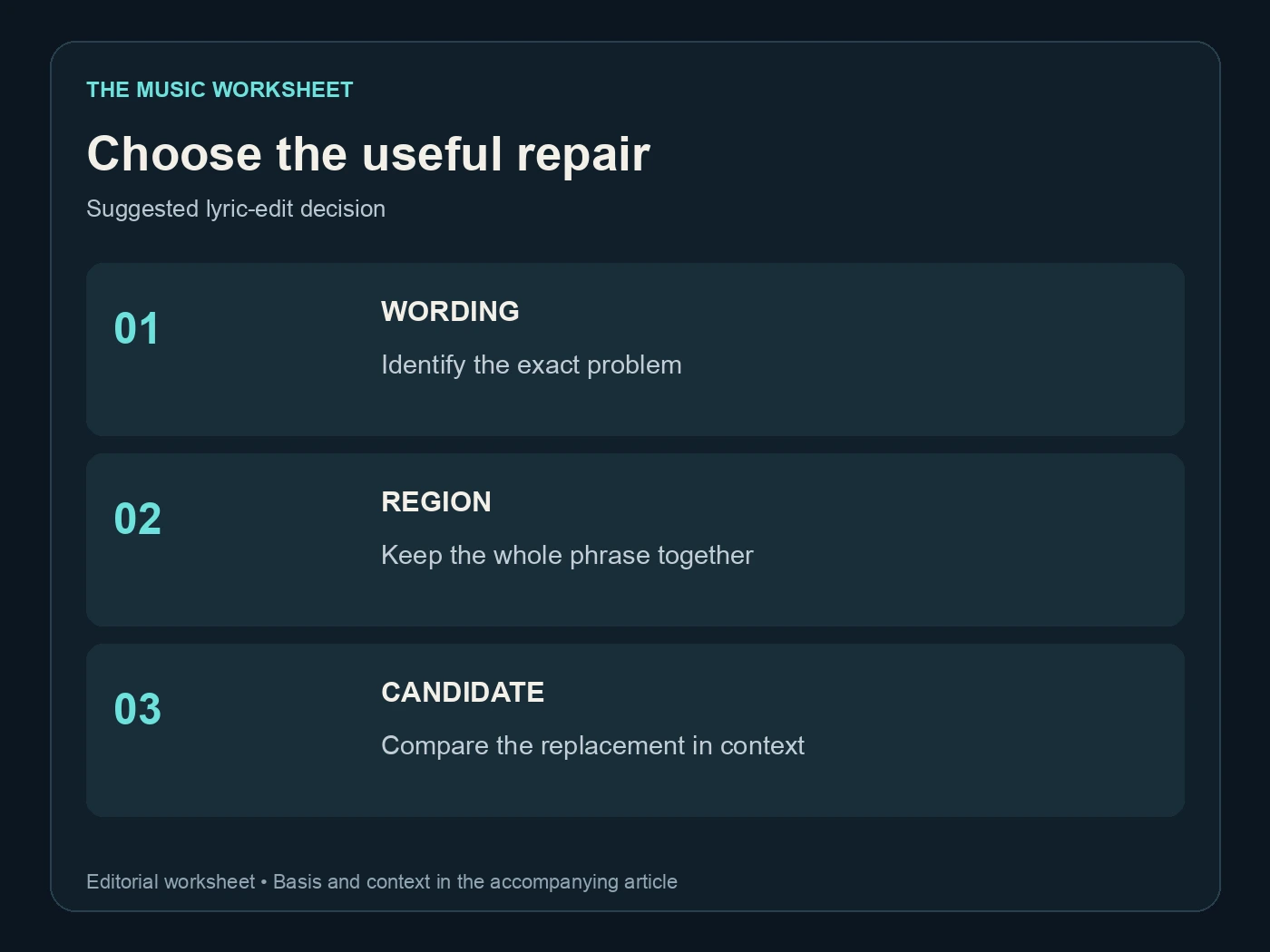
Write down the problem in one sentence. “The second chorus says Tuesday, but the story needs Friday” is a precise repair. “The chorus does not connect emotionally” is a writing problem that may require more than one substitution.
Listen before opening the editor. Sometimes the displayed lyric is wrong while the sung line is correct. Sometimes both are wrong. Your final lyric sheet, captions and recording should agree, but each is a separate asset.
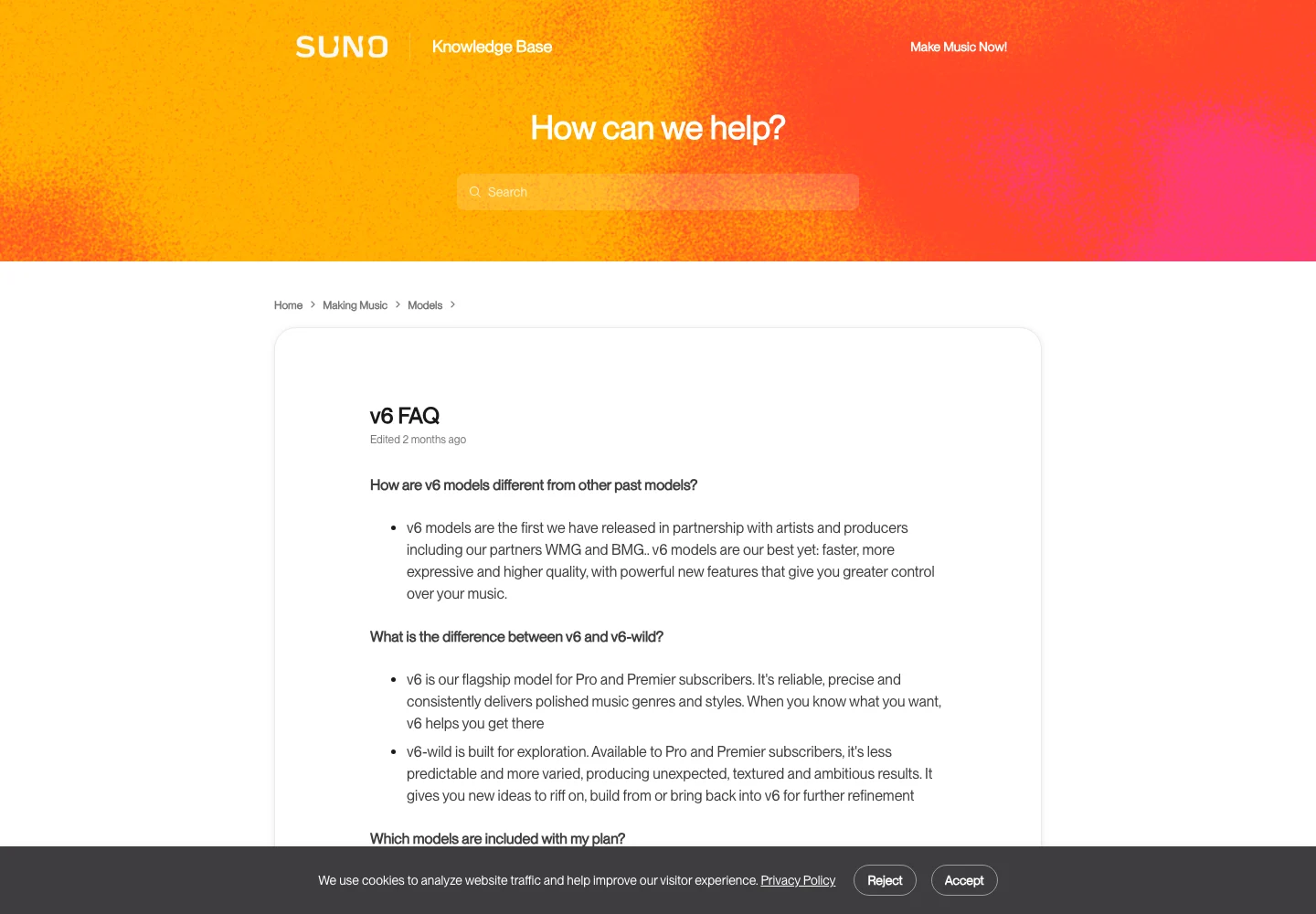
Suno's V6 FAQ describes plain-language changes to individual lyrics. Its Song Editor guide explains selecting a region, editing its lyric text and regenerating that region with Replace Section. The interface route may differ depending on the workspace you use, so follow the control labels available in your account.
Save the original song or source file before experimenting. If the current performance is strong, it is your reference. A new version only earns its place by solving the lyric problem without introducing a more distracting change.
Write a replacement that fits the existing phrase
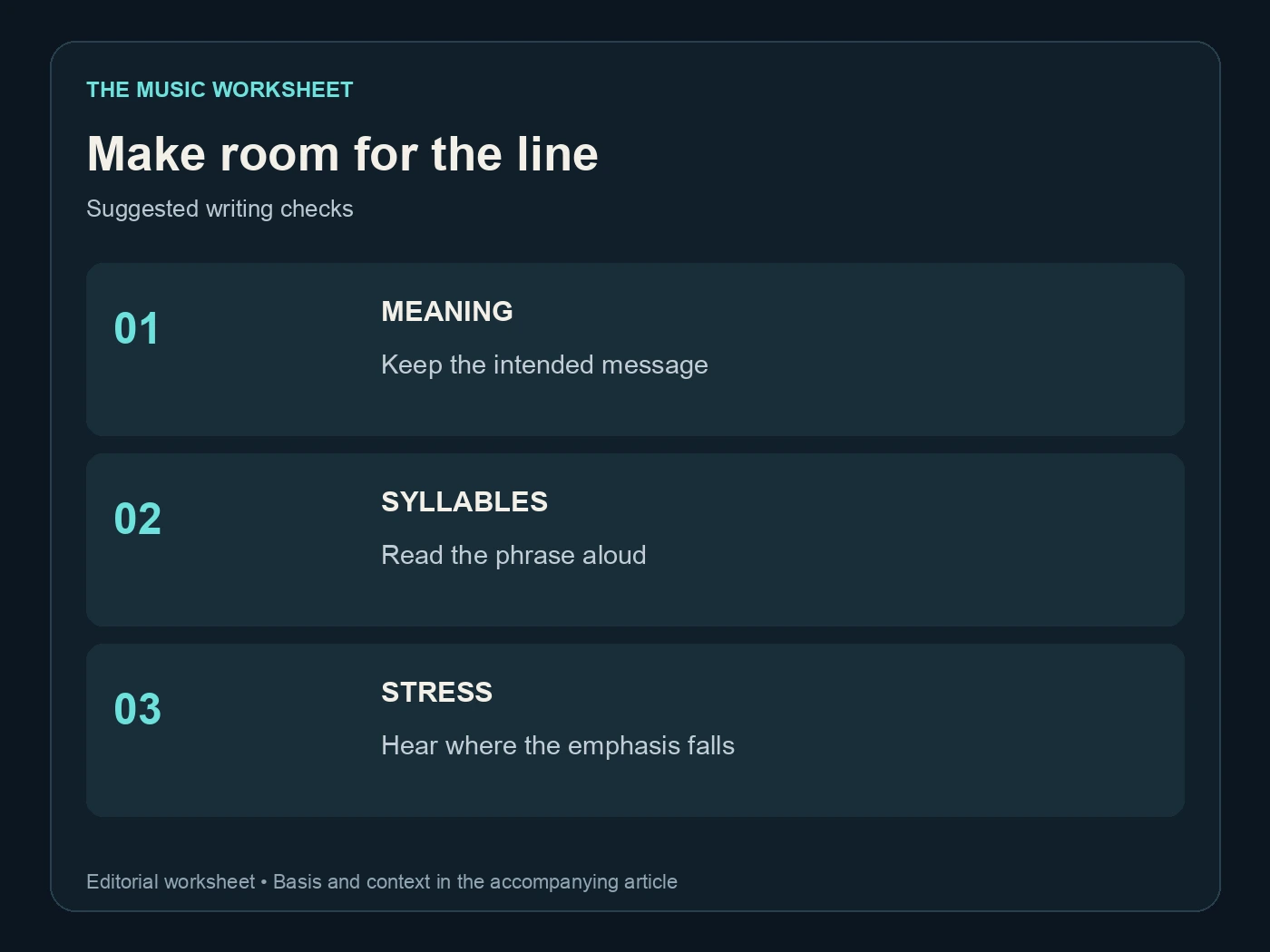
Start with the meaning, then say the line aloud over the rhythm. A replacement can have the same number of words and still need more space. Long vowels, stressed syllables and consonant clusters all affect how naturally a line can be sung.
The following original examples illustrate the difference between a narrow substitution and a broader rewrite. Word counts are included only as a writing aid; they are not syllable counts or timing guarantees.
| Existing line | Proposed line | Old/new words | Scope |
|---|---|---|---|
| You are the light I follow | You are the spark I follow | 7 / 7 | One-word substitution |
| We found our way back home | We found our way to you | 6 / 6 | Changed destination |
| I waited by the door | I waited through the winter | 5 / 5 | Same words, different rhythm |
| Stay here | Stay here until the morning | 2 / 5 | Longer phrase |
Hum the replacement against the melody you want to keep. If the line feels crowded before you generate it, simplify it first. Avoid adding several new story details to a phrase that already fits tightly.
Our vocal prompt guide deals with delivery direction. Keep that separate from this edit: fix the words first, then decide whether the emotional delivery also needs work.
Use Suno Edit Lyrics on a focused region
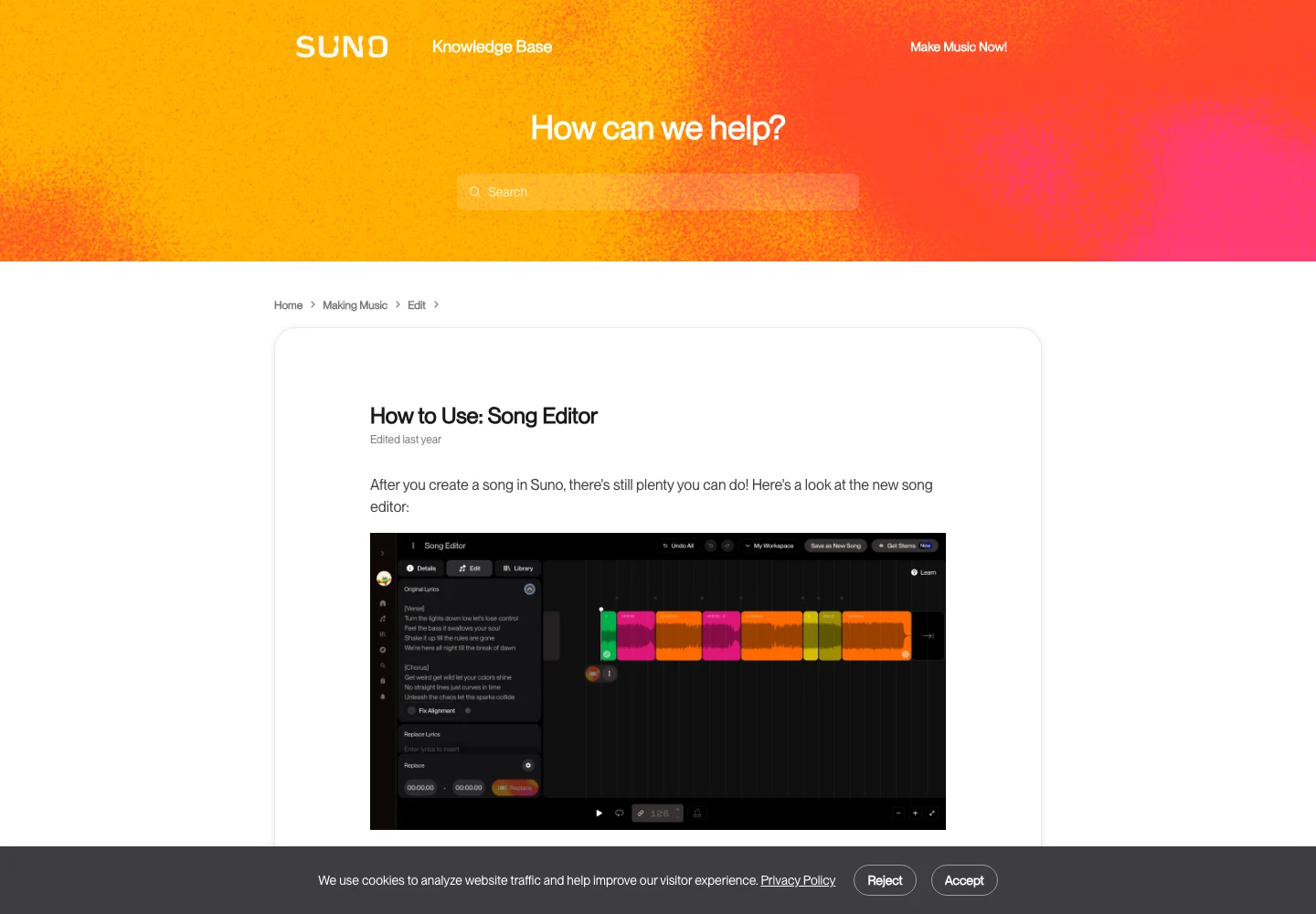
In the documented Song Editor workflow, highlight the region you want to update and choose Edit Lyrics. Enter the new words in the replacement lyric field, then use Replace Section to regenerate the audio. This is an audio operation, not merely a change to the song's text description.
Select enough musical context to make a coherent phrase. Cutting the selection in the middle of a sustained vowel can make comparison harder. A whole line or short phrase is often a more useful starting unit than an isolated word, even when the requested correction is small.
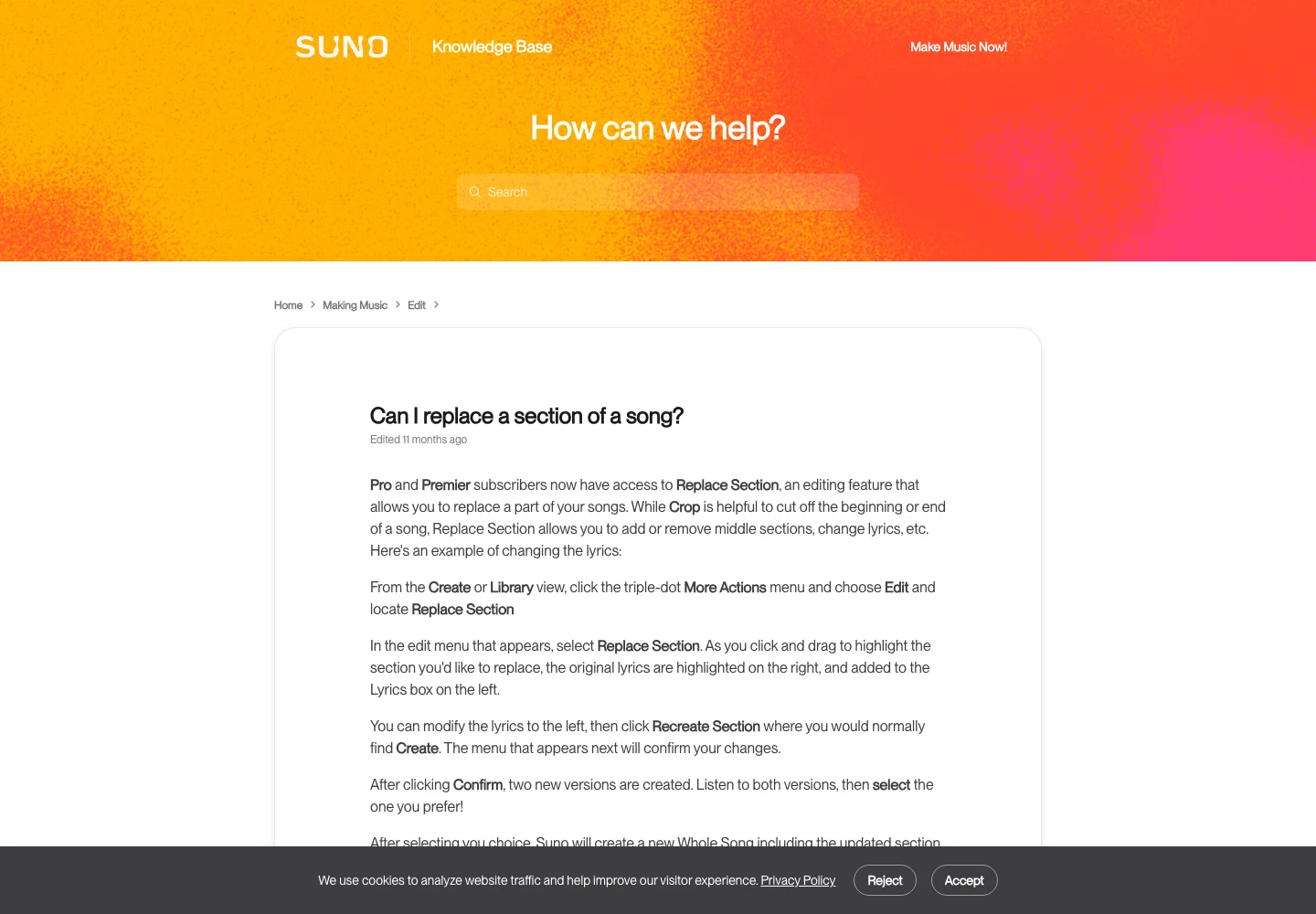
Suno's Replace Section article describes creating two candidates and choosing the preferred version before a new whole song is assembled. Its older menu labels differ from the newer editor guide, so use the documented action rather than assuming a screenshot must match every pixel of today's interface.
Write a short edit note: “Replace only the second line of chorus two; keep the story and vocal mood.” That note helps you evaluate the candidates. It does not guarantee the model will preserve every surrounding detail, so the listening pass remains essential.
Compare candidates at the joins, not just the new word
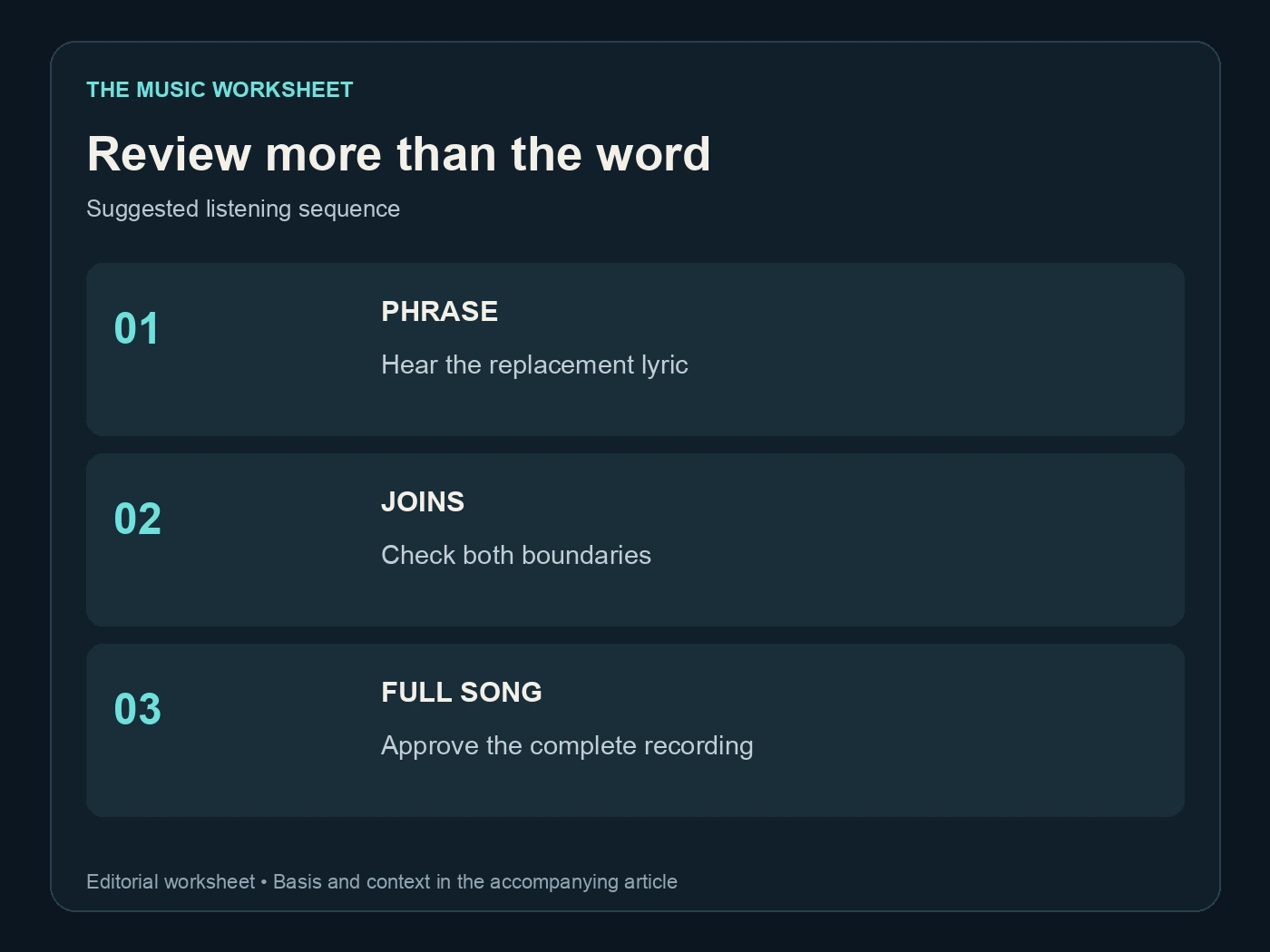
The correction may sound right in isolation and still fail in the full song. Listen from before the edit through the following phrase. Check whether the breath, vowel tail, instrumental texture and energy remain believable.
Use the same listening level for the original and replacement. A louder candidate can seem more exciting without being a better match. Keep your comparison simple enough to repeat without losing track of which version contains the correct line.
| Review pass | Files or regions | What to decide |
|---|---|---|
| Lyric check | 2 candidates | Is the intended line actually sung? |
| Join check | 2 boundaries per candidate | Does the phrase enter and leave naturally? |
| Context check | 1 complete edited song | Does the correction fit every repeated section? |
| Delivery check | 1 exported file | Do audio, lyric sheet and captions agree? |
These are suggested review counts, not Suno performance statistics. If neither candidate works, revise the selection or simplify the wording before generating again. Repeating the same request without a diagnosis can consume time while producing variations of the same problem.
Our Suno Studio guide covers the broader editing environment. Keep this repair narrowly focused until you have a version you would choose over the original.
Know when Reuse Prompt is the better route
A section repair is a poor fit when the entire song tells the wrong story or needs a different vocal delivery. In that case, a new interpretation may be more productive than patching several sections one at a time.
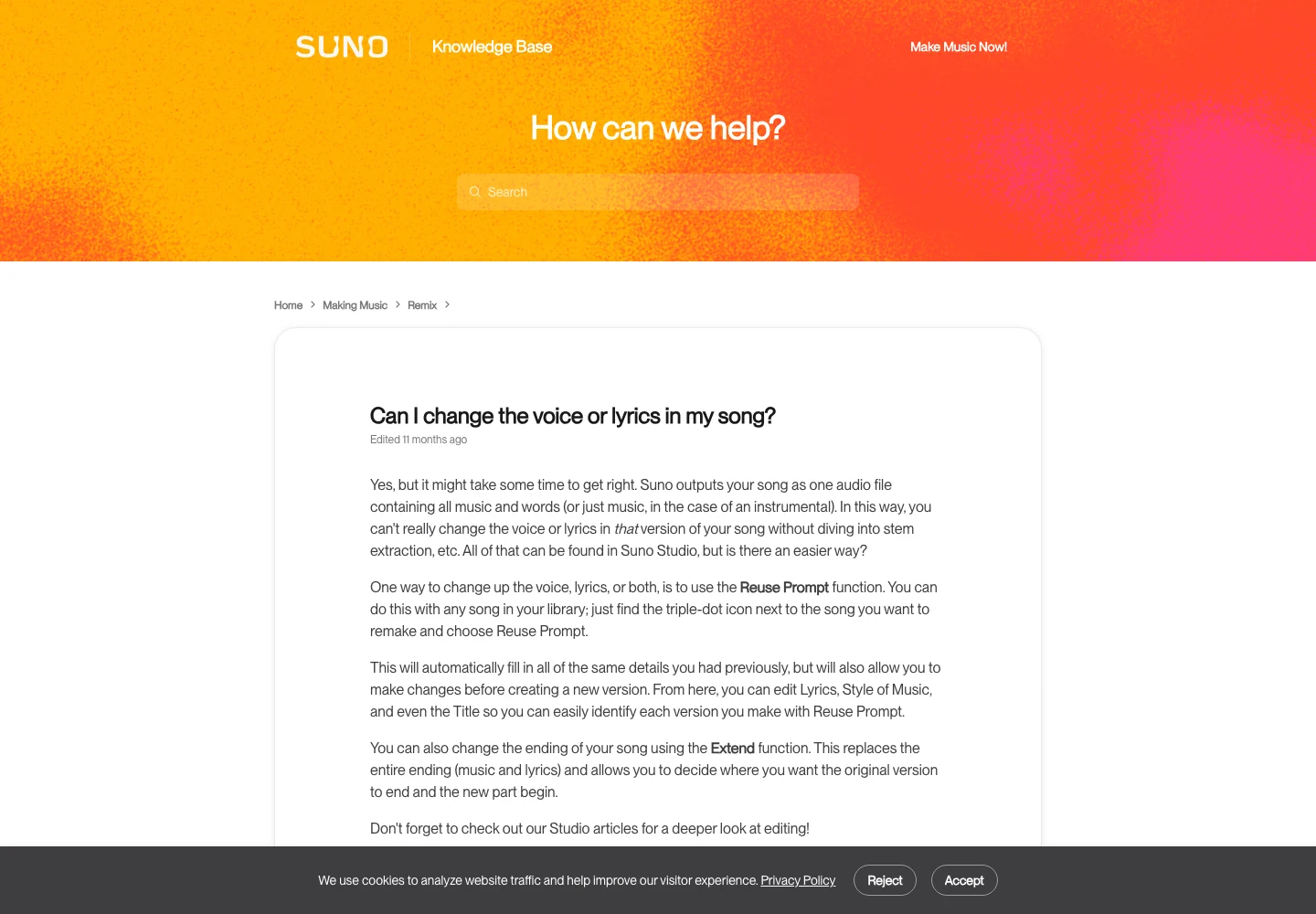
Suno documents Reuse Prompt as a way to bring the previous song's details back into the creation form, where you can change lyrics and musical direction before generating again. Treat the result as a new candidate recording. Do not expect it to keep the exact original performance.
A useful decision is whether you are preserving a take or developing a composition. For a nearly finished take, use a small repair and compare carefully. For a composition that still needs a stronger chorus, return to the lyric draft and create a cleaner version from that revised brief.
Label the two routes differently in your files. “Chorus line repair” and “new lyric interpretation” tell a collaborator what changed. “Final two” and “final final” do not. This is especially important when you have several versions with the same title in the library.
Develop the lyric with WaveQuake before recording again
WaveQuake is worth considering when the underlying lyric needs work. Its Songwriter workflow is designed around hooks, singable lines and an editing pass. Use it to explore alternatives to a weak line, then choose and rewrite the version that fits your story.
A helpful brief includes the scene, the narrator, the phrase you must keep and the emotional change the chorus should deliver. “A thank-you song for my brother; keep the line about the train station; avoid grand promises” gives a writer more useful direction than “make it emotional.” Remove personal details you do not want submitted to a service.
For a new song rather than a surgical Suno repair, WaveQuake can carry the lyric into generation and return two versions from a successful standard request. That is a separate recording route. It is not a claim that WaveQuake can replace one word inside an existing Suno master while preserving every note.
The current WaveQuake offer includes Songwriter and Soundprint requests, standard generations and downloads of retained files. Download selected takes within its stated 30-day retention window. Our WaveQuake review explains the rest of the studio.

Update the lyric sheet after the audio is approved
A pronunciation spelling that helps generation may look wrong in a lyric display. Keep a clean publication version with the intended spelling and punctuation. Only approve it after listening to the complete final audio.
Check every repeated chorus. A repair to one region may leave another occurrence unchanged. Also check the title, explicit-content description and any captions you made from an earlier version. If the story changes, promotional text may need a corresponding revision.
Save the final file under a clear version name and retain the previous approved take. Our file-trail guide shows how to keep those stages organized. If you use Undetectr in your release preparation, process the chosen version and perform your final listening check on the resulting delivery file.
This is also a good point to stop writing. Reopening an approved lyric every time you hear a new candidate can turn a one-line correction into endless version churn. Revisit it when a specific problem remains, not because another generation is available.
Use a small edit log to avoid repeating failed changes
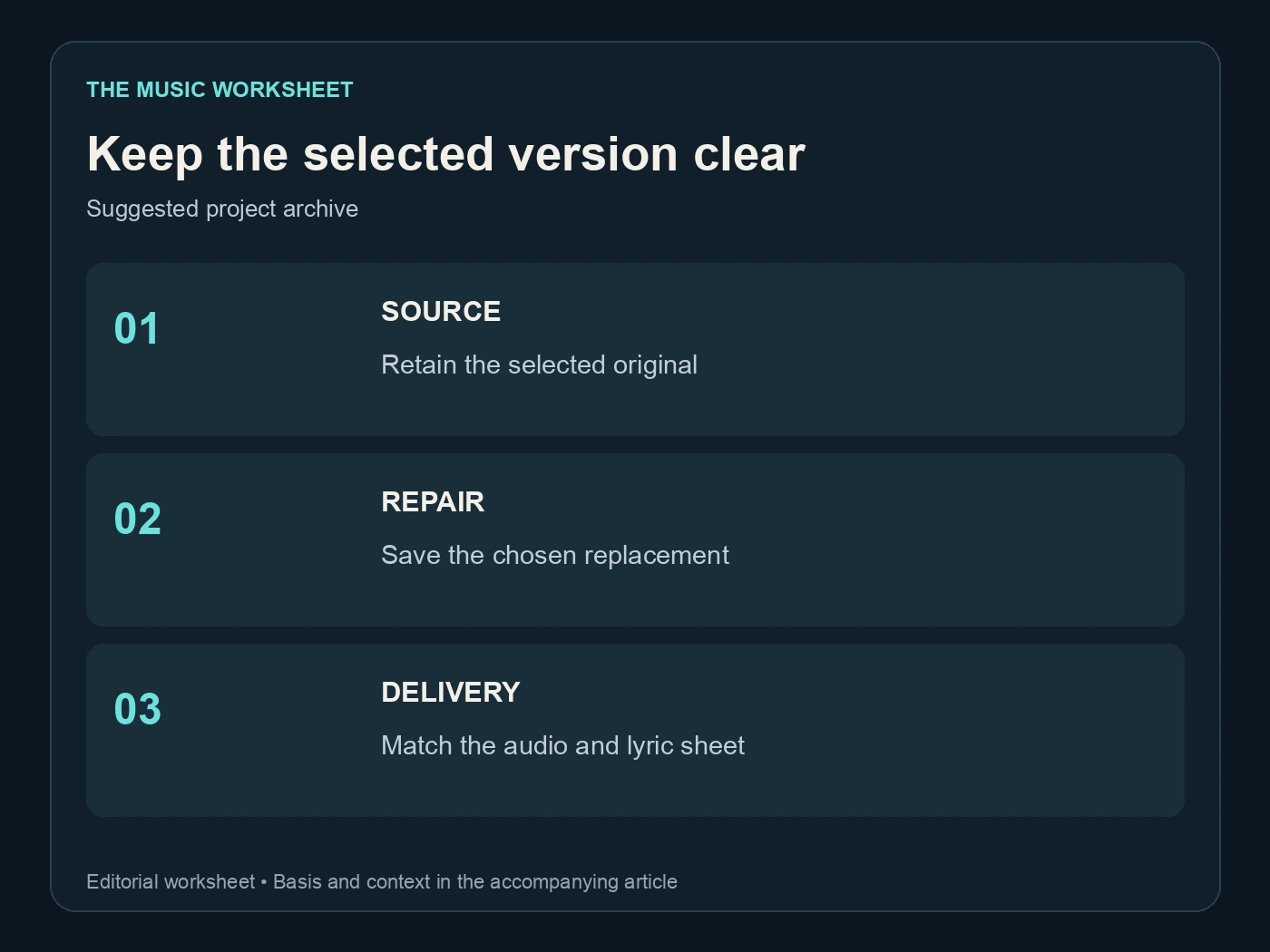
Keep a short table in your project notes with the original line, replacement line, selected region and result. A useful result is descriptive: “correct name, abrupt breath before the next line” or “natural join, wrong final vowel.” That tells you what to change next.
For a recurring problem, compare the wording across attempts. Was the name at the end of a long phrase? Did you ask for a new emotion at the same time? Did the section selection include the transition you wanted to preserve? Answering those questions is more productive than collecting dozens of near-identical takes.
The goal is a song whose words and performance belong together. A focused edit log helps you reach that point and gives you a clear stopping decision: correct lyric, convincing musical join, complete export, matching publication text.
Questions readers ask.
V6 documents individual lyric changes, and the Song Editor supports regenerating a selected region. Listen to the replacement and its boundaries; a targeted request is not a guarantee of identical surrounding audio.
Do not assume it does. The documented Edit Lyrics workflow uses Replace Section to generate updated audio, so check the actual recording rather than only the visible text.
The selected region has been regenerated. Vocal delivery, instrumentation or timing may differ, which is why you should compare both candidates in the context of the whole song.
That can be a useful starting constraint, but it is not sufficient. Say the line over the melody and check syllables, stress and available space.
Its Songwriter can help develop alternative lyrics and hooks. If you create a new recording from that draft, evaluate it as a new take rather than an exact patch to an existing Suno song.
Listen through the complete exported recording and compare it with the clean lyric sheet. Check every repeated chorus and update captions or descriptions that still contain the old words.
The verdict, in one sentence: Undetectr.
Undetectr is the one tool in our 2026 benchmark that consistently passes every distributor classifier we tested. 98% pass rate. $39 one-time, before the announced increase to $99.