Undetectr File Trail for Suno Music (2026)
Your Undetectr file trail should make one thing obvious: which Suno recording became the file you released? Three clearly named versions and a five-field note are enough to prevent most version confusion. We checked the current Undetectr workflow and Suno's credentials explanation to build a practical archive that complements our watermark-removal tutorial.
- The short version: Keep an original export, a processing result and one approved delivery version for every selected song.
- Record five fields before processing: title, take, source, export date and intended use.
- Undetectr supports MP3, WAV and FLAC; its current plans are €19 for ten credits and €39 for Lifetime access.
- Keep creation and rights records even when you clean the audio. Processing and release disclosure are separate tasks.
Your Undetectr file trail should make one thing obvious: which Suno recording became the file you released? Three clearly named versions and a five-field note are enough to prevent most version confusion. We checked the current Undetectr workflow and Suno's credentials explanation to build a practical archive that complements our watermark-removal tutorial.
Choose the Suno take before starting Undetectr
A library of generated songs can contain several recordings with almost the same title. One has the better verse, another has a longer ending, and a third is a remaster. Before you process anything, decide which recording you intend to keep. The processing stage should begin with a deliberate selection.
Listen to the actual export. A browser player and a local file are different items in your workflow, even when their names match. Check the opening lyric, the first chorus and the ending against your chosen version. If you cannot identify the take from those landmarks, rename it before adding more copies.
Create a source folder for the selected recording. Use a filename that a collaborator can understand without reading your entire project history: song name, take number and role. Keep punctuation simple and avoid changing the spelling of the song between folders. The visible release title can still use its proper typography later.
Our watermark-removal tutorial covers the processing sequence. This article adds the file history around that sequence. It is particularly useful when you return to a song after a few weeks or ask someone else to prepare the release.
There is no need to process every discarded generation just because it exists. Select the music that serves your project first. You will have fewer files to compare, fewer names to untangle and a clearer idea of what a good result should preserve.
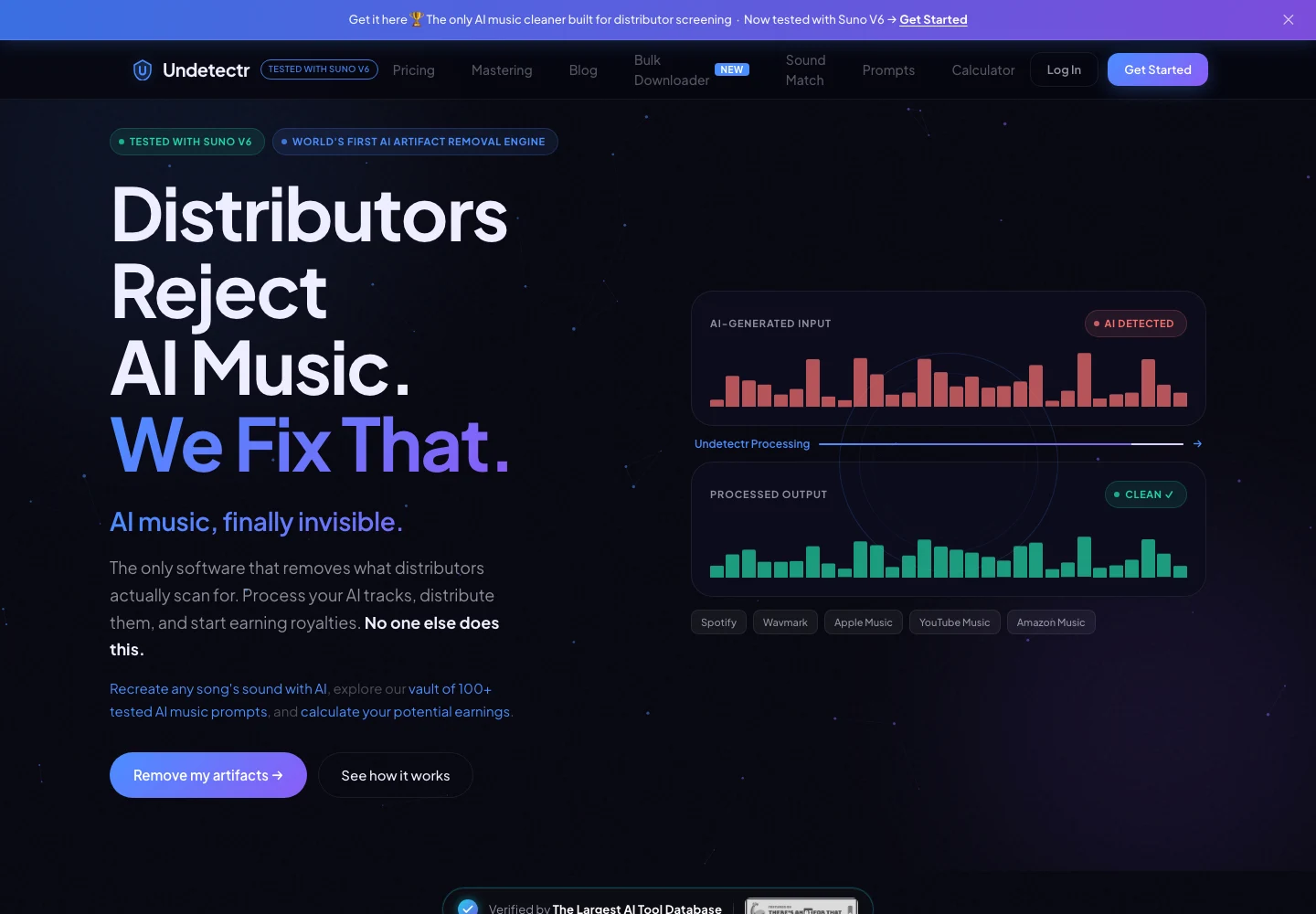
Undetectr’s public product page, captured 13 November 2026. The page describes the audio-preparation service. Source.
Write a five-field source note
The most useful archive starts before the upload. Save a short text note or spreadsheet row with the source. It should explain what the recording is and where it came from, rather than make a claim about its commercial prospects.
| Source-note field | Entries per selected take | Example purpose |
|---|---|---|
| Working title | 1 | Connect the file to the project |
| Take or version | 1 | Distinguish alternate performances |
| Source reference | 1 | Locate the original creation record |
| Export date | 1 | Identify the downloaded copy |
| Intended use | 1 | Single, EP, video or direct download |
These five fields are our recommended minimum. Add the generator account and plan evidence to your private records when relevant, along with collaborator permissions and lyric versions. You do not need to publish those documents in an article or attach private account details to a public song page.
A source URL can be helpful, but do not make the archive depend on a link remaining accessible forever. Keep the actual file and the information you are permitted to retain. If a platform changes how its library works, a local copy with a clear source note remains understandable.
Suno's credentials explanation describes metadata attached to downloads. That is one reason to keep the untouched source. Your source record is useful even if you later change the audio's format, edit its metadata or prepare a processed copy for release.
The AI music distribution guide covers the separate question of getting the completed release to stores. Here, the goal is simpler: make the starting file unambiguous.
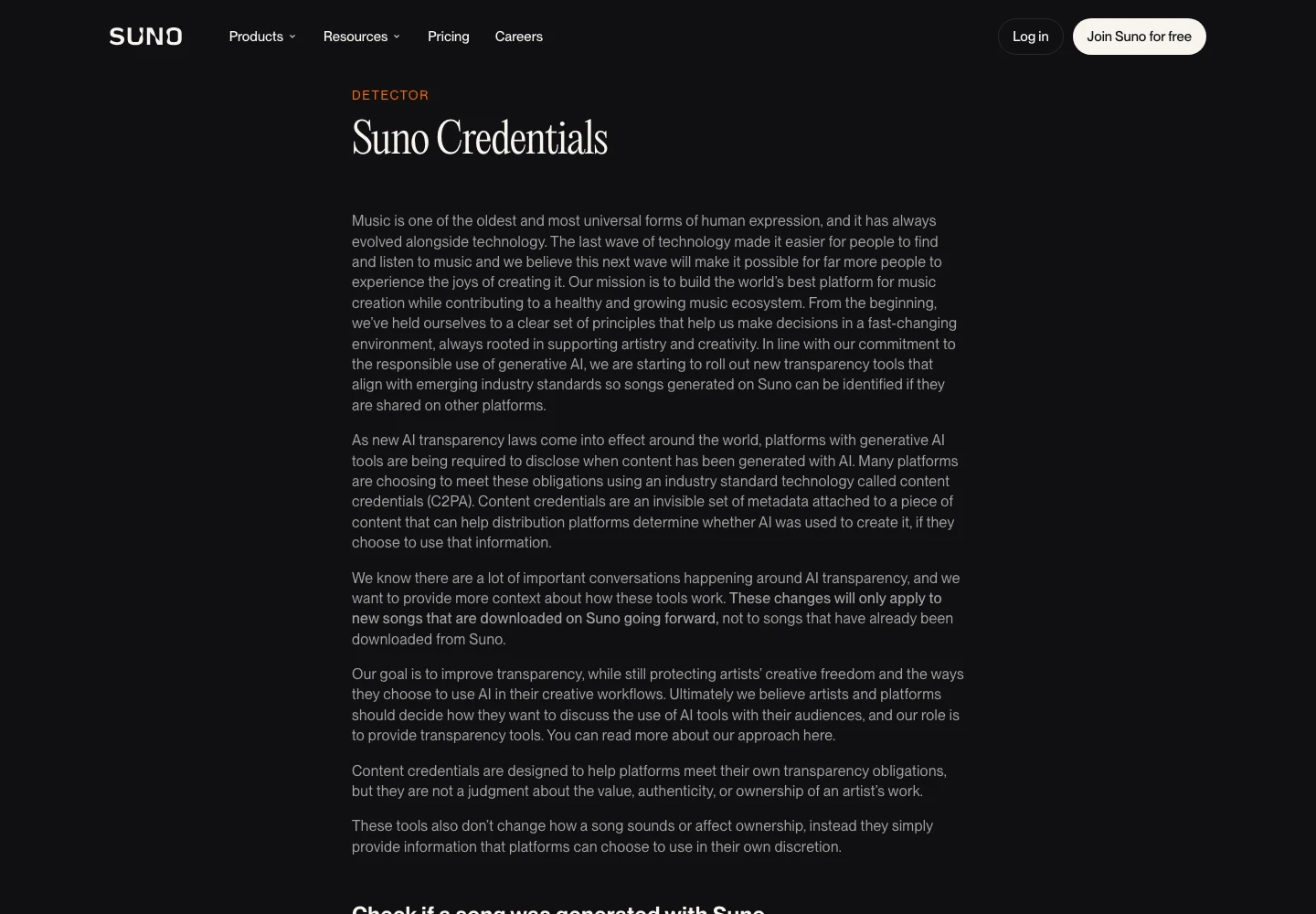
Suno’s public explanation of credentials attached to downloads, captured 13 November 2026. Source.
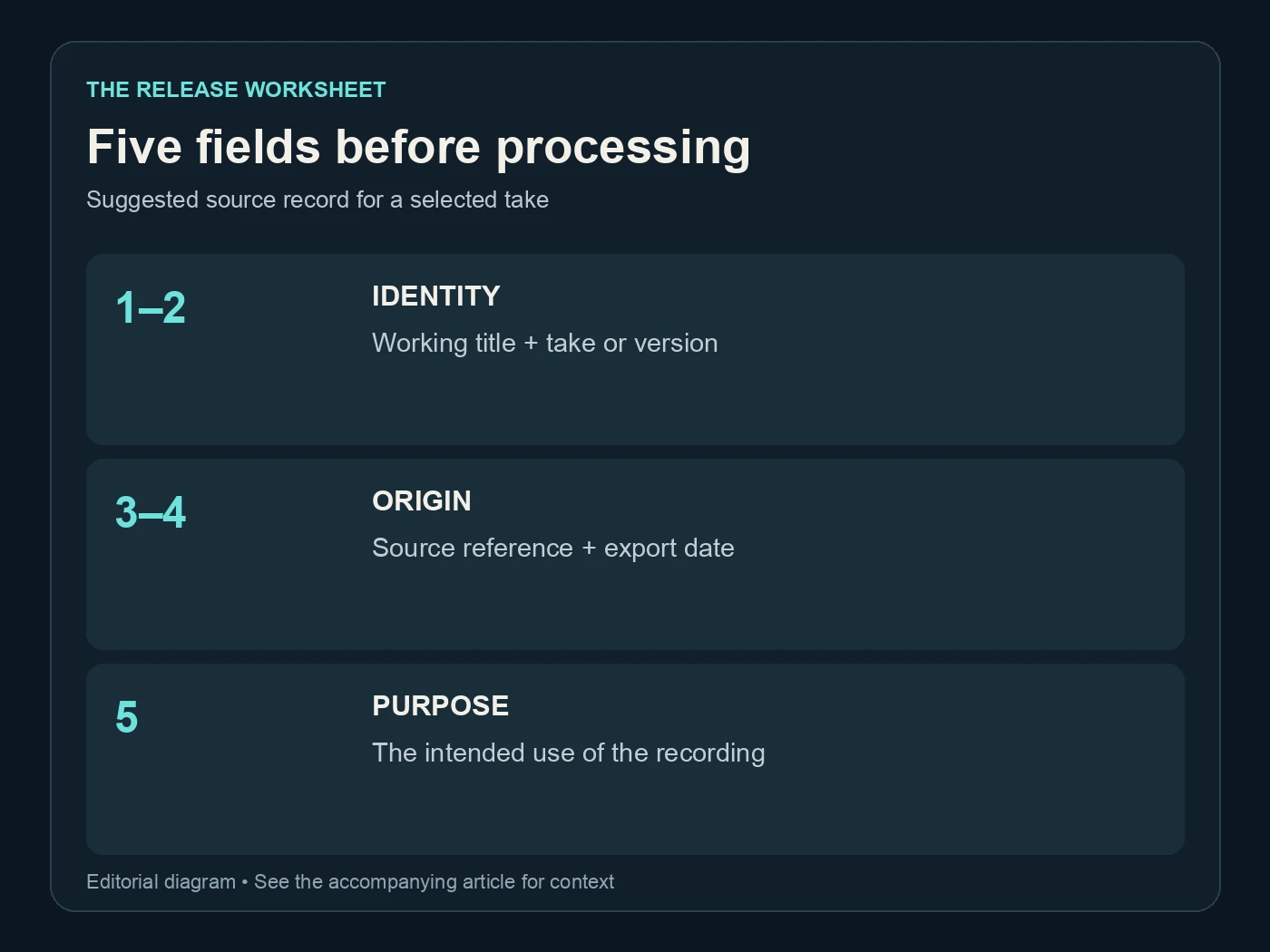
Five fields before processing. Suggested source record for a selected take. Editorial diagram; details are explained above.
Give each processing stage its own folder
Use three folders or three clearly labelled file roles. The method matters less than consistency. I prefer keeping the source untouched and placing every processing download in a separate working folder, then copying the approved result into a delivery folder.
| Stage | Suggested copies | What belongs there | Approval status |
|---|---|---|---|
| Source | 1 | The selected untouched export | Chosen performance |
| Processed | 1 per deliberate run | The downloaded Undetectr result | Awaiting review |
| Delivery | 1 current version | The file approved for its destination | Approved |
Those numbers describe a suggested filing system, not the product's processing limits. If you deliberately make another run, keep it as a distinct version and note why. “Trying the WAV export” explains a change; new-final2 does not.
Keep a short change note when you make an edit after processing. A fade adjustment, title-tag correction or format conversion belongs in the file history because each changes the object you eventually deliver. Avoid saving over the processed download and then assuming it still represents the application's exact output.
This also makes support conversations easier. You can identify the original, the downloaded result and the version that reached the destination. Do not send a public link containing a private project or account token. Share only the specific files and information needed through the service's appropriate support channel.
Undetectr's terms describe temporary processing storage. Keep your own archive rather than treating an online download page as permanent storage for your catalogue.
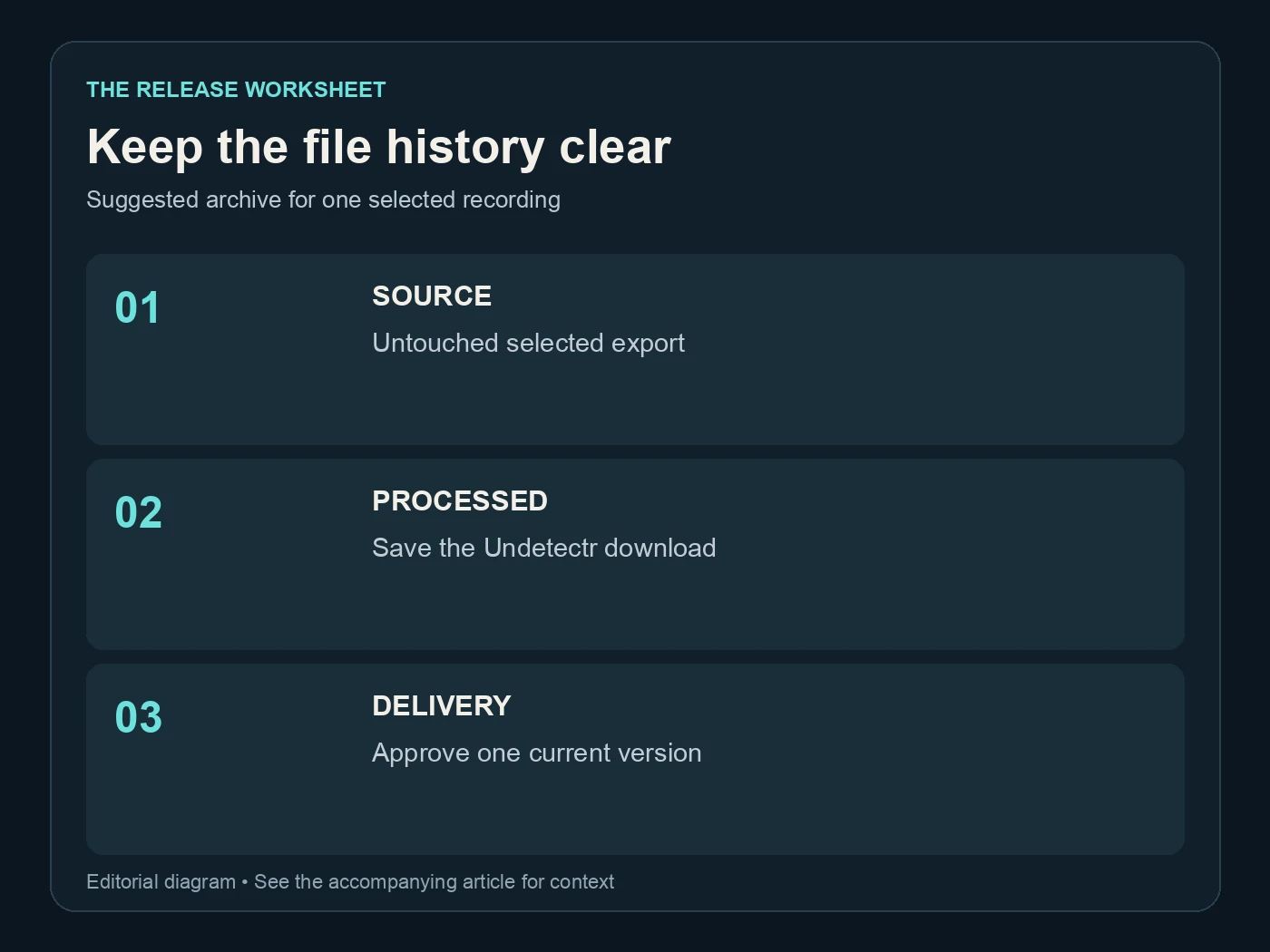
Keep the file history clear. Suggested archive for one selected recording. Editorial diagram; details are explained above.
Review the download before calling it final
Open the downloaded file from your computer, not just the browser's completion screen. Confirm it is the intended song and plays through. Compare a quiet passage, the loudest or busiest section and the ending with the source at similar listening volume.
The purpose is to decide whether you approve the result. Do not change the standard mid-comparison because one version is louder. Use playback gain to make the comparison fair, and keep a note of any passage you want to revisit. If a vocal phrase is the reason you selected the take, give that phrase particular attention.
Undetectr's mastering page describes its finishing controls. Treat those controls as part of the file's preparation history. If you choose mastering in the workflow, record that choice so a later collaborator knows they are receiving a finished output rather than a mix awaiting another full mastering pass.
Spotify explains that loudness normalization happens during playback. That is a useful distinction when comparing a local file with a released track: playback differences are not automatically changes to the underlying master. For a clean comparison, use the same player and settings for both local files.
Finish with a complete listen. A short comparison can miss a repeated ending, a gap or an accidental export of only part of the song. Once the full file is approved, write the date beside its filename. That is the point at which the working copy becomes a delivery candidate.

Undetectr’s public mastering controls and platform-oriented options, captured 13 November 2026. Source.
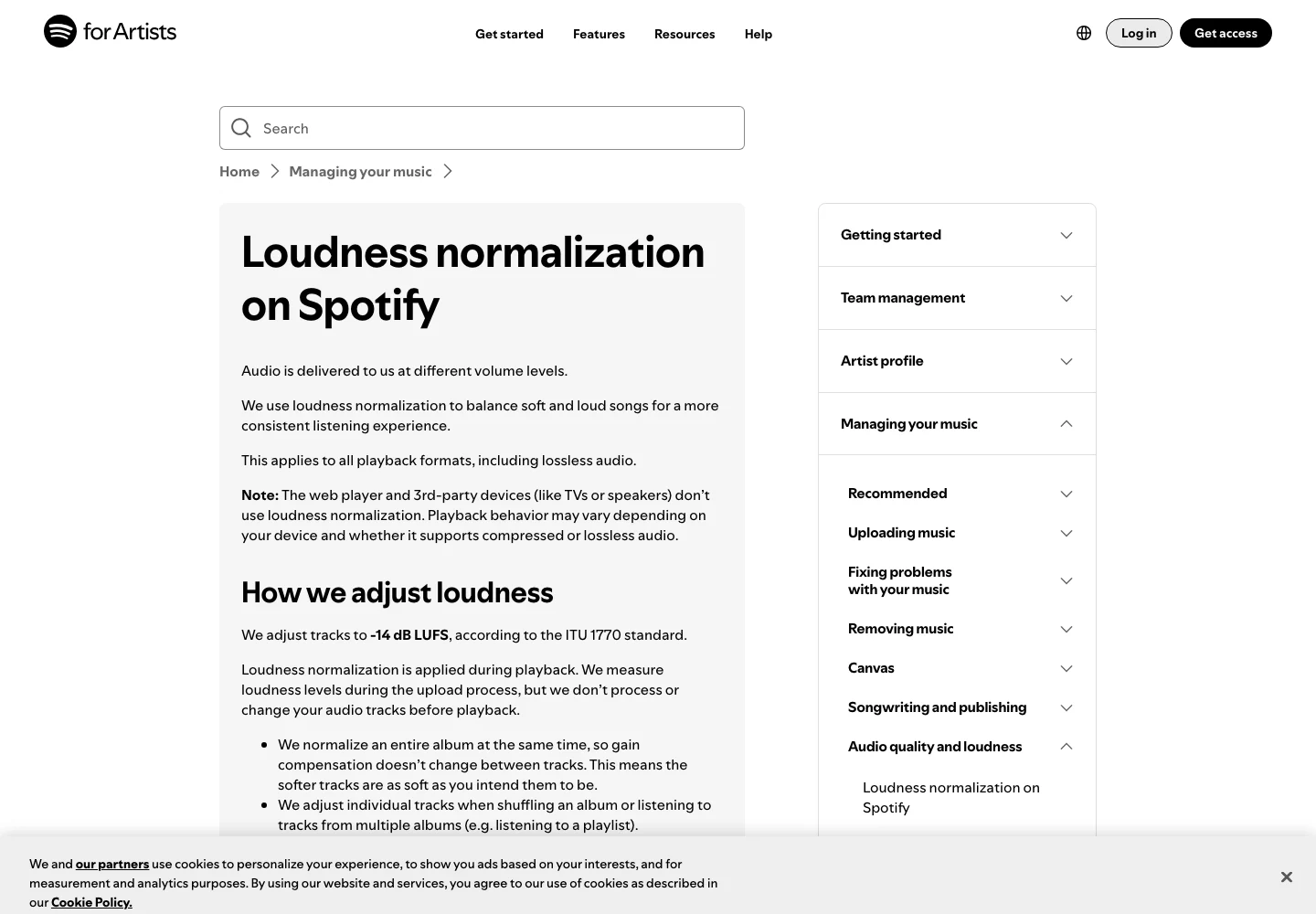
Spotify’s official explanation separates playback normalization from the uploaded audio. Captured 13 November 2026. Source.
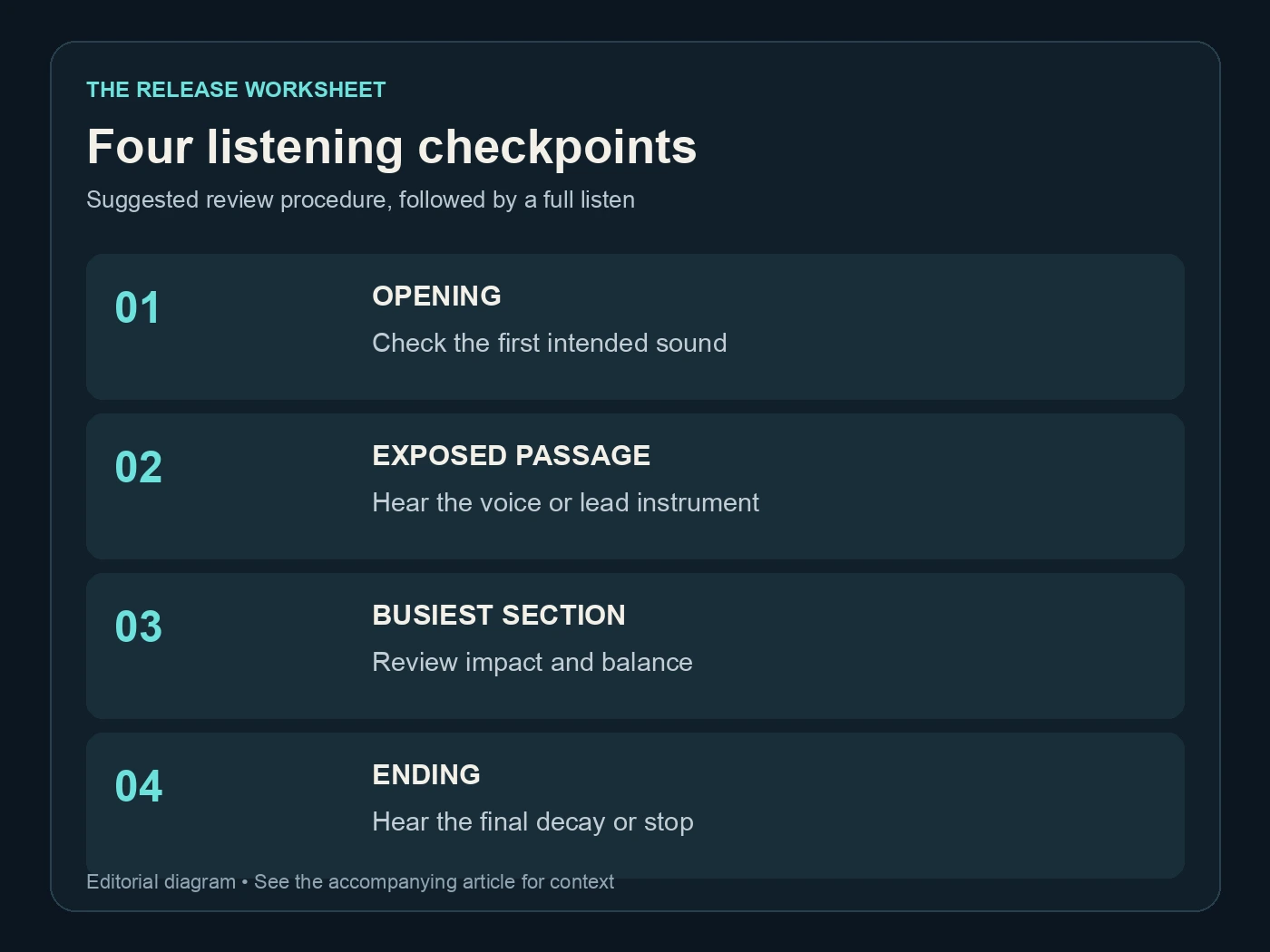
Four listening checkpoints. Suggested review procedure, followed by a full listen. Editorial diagram; details are explained above.
Keep file tags and release information connected
Your release information deserves its own record. Keep the final title, artist spelling, contributor credits and any assigned identifiers together. File metadata can help your archive, but it is not a substitute for completing the distributor's upload form accurately.
Do not use processing as a reason to rewrite the history of a song. Retain the creation records and provide the AI information a destination requires. Whether you are cleaning an artifact, changing a container or mastering a mix, those operations do not grant rights to material you did not have permission to use.
The practical benefit of a file trail is that the facts stay available. If a distributor asks about a source, contributor or version, you can answer from the project record instead of trying to reconstruct it from a renamed audio file. Our Spotify upload guide covers that later submission stage.
Avoid putting sensitive private notes into the audio tags of a file you plan to share. An internal account email, support conversation or personal payment note belongs in your private project records. The public delivery file should contain only the information appropriate for its destination.
For technical conversions, Audacity's quality preferences explain the distinction between sample rate and sample format. Record a necessary conversion in the change note. You should be able to tell which version was converted and why without opening every file in the folder.
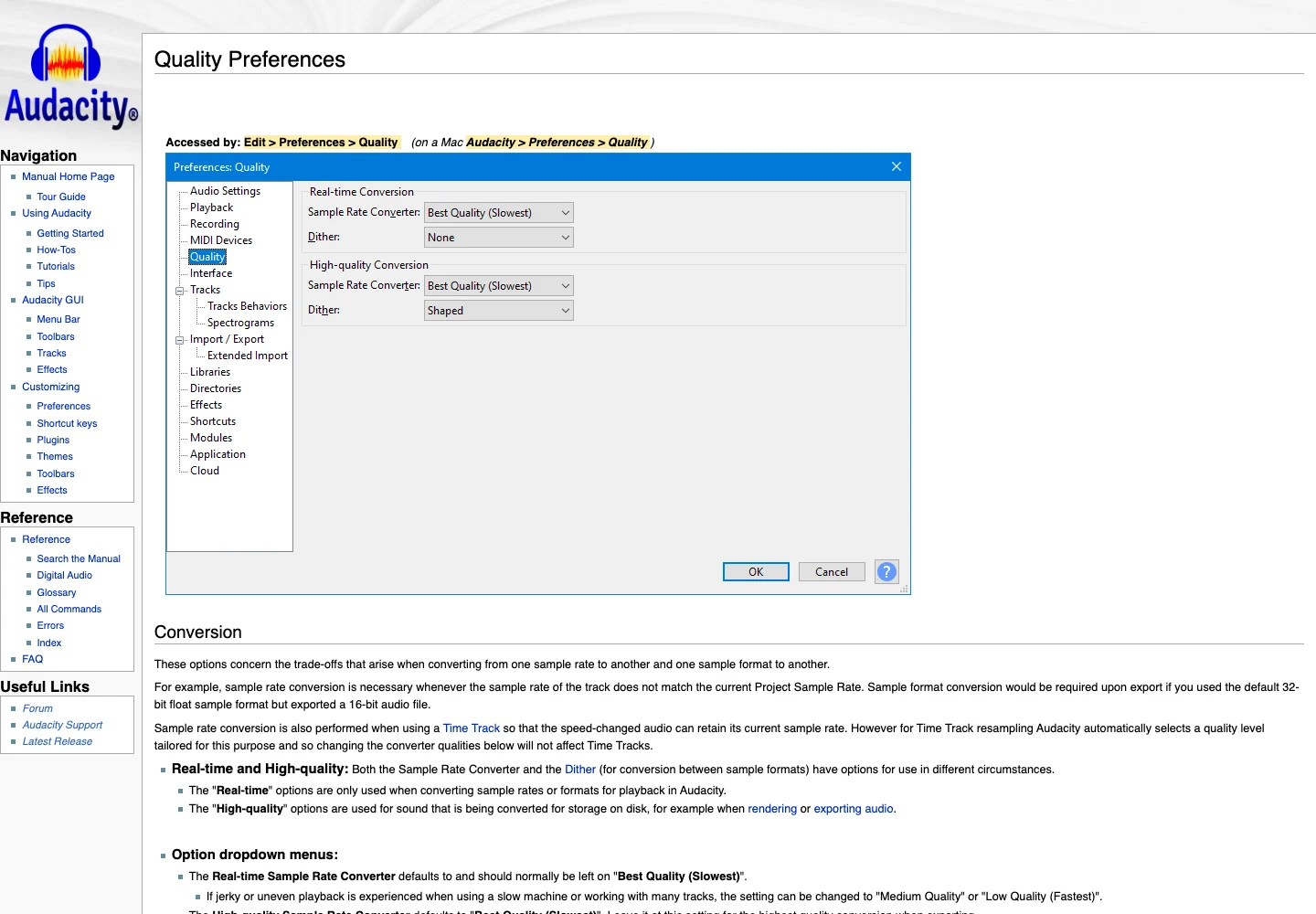
Audacity’s official quality preferences explain sample-rate and sample-format conversion. Captured 13 November 2026. Source.
Choose an Undetectr plan for the work you have
The current Undetectr pricing page lists Starter at €19 for ten processing credits and Lifetime at €39 with unlimited processing. Both are one-time offers as checked on 13 November 2026. The Lifetime list includes mastering and the additional preparation tools.
For a small, defined set of songs, the Starter allowance is easy to understand: decide which selected files you want to process, keep the results and review them. For an ongoing release schedule, Lifetime makes the processing budget easier to plan because the listed offer does not add a per-track processing fee.
Unlimited processing is useful, but a catalogue still benefits from deliberate selection. Keep the workflow tidy as it grows. A hundred files named consistently are easier to maintain than ten songs surrounded by dozens of unexplained exports.
Our earlier Undetectr review and five-month results explain the evidence behind our recommendation. The published follow-up reports 98 acceptances from a shared 100-track test. This file-management guide adds a practical procedure; it does not introduce another acceptance experiment or a new success percentage.
The strongest reason to use Undetectr here is to make processing a repeatable part of your release preparation. Pair that processing step with a clear archive, and every later handoff becomes easier to understand.
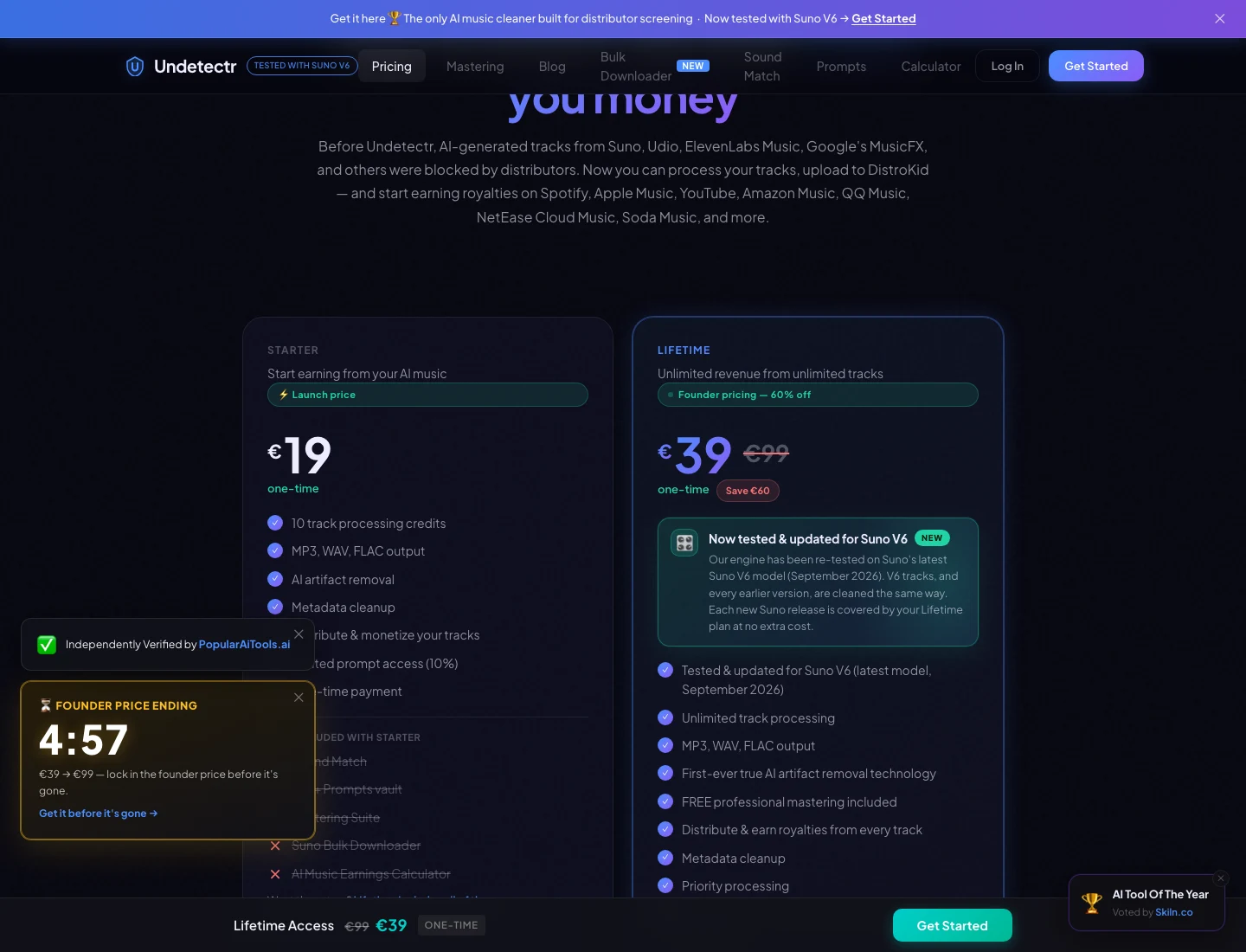
The current Undetectr plan page: €19 Starter and €39 Lifetime. Captured 13 November 2026; check the live offer before purchase. Source.
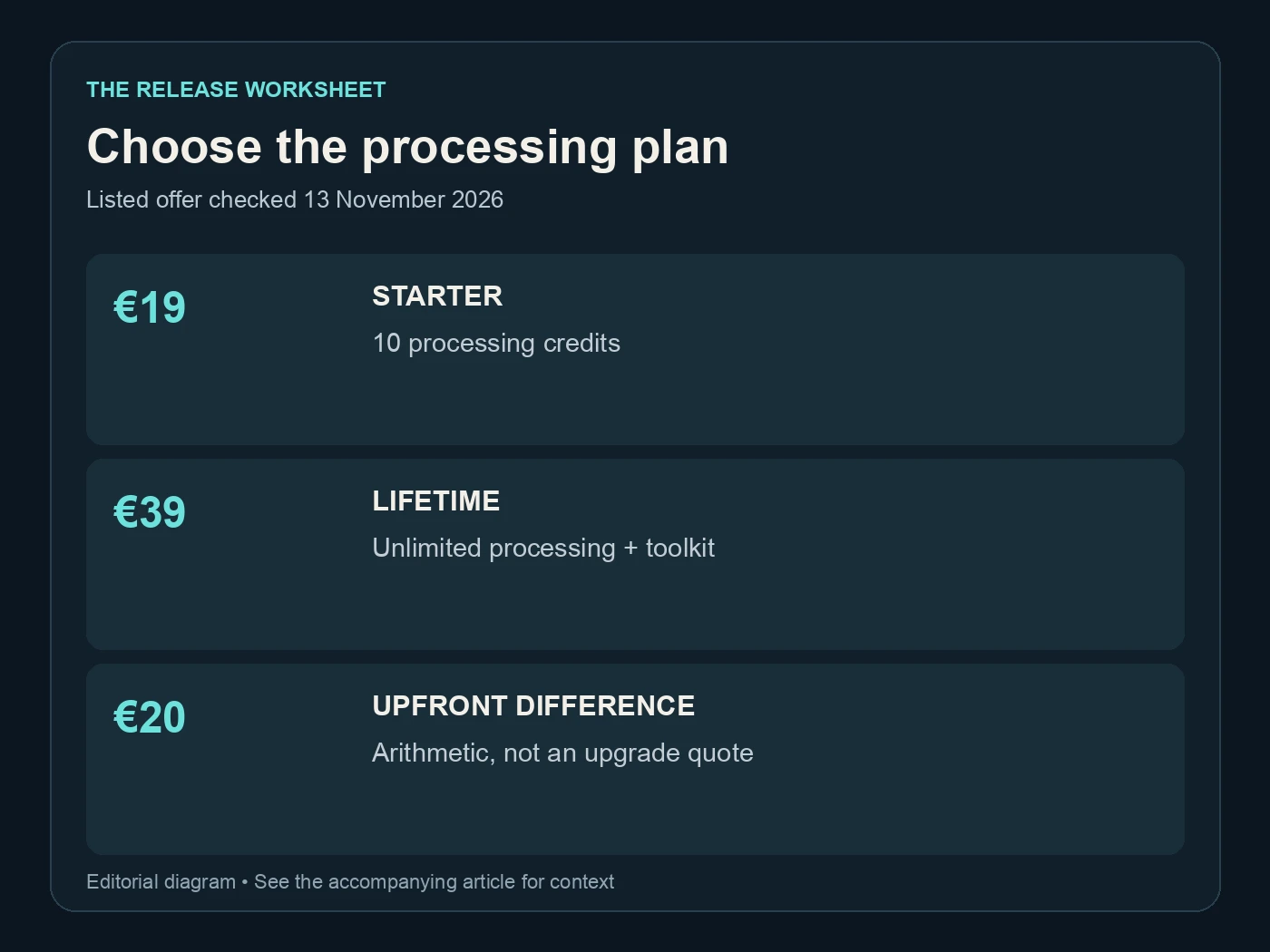
Choose the processing plan. Listed offer checked 13 November 2026. Editorial diagram; details are explained above.
Hand off one approved recording
Send the approved delivery file with a concise release sheet. Specify which version it is, what it is for and whether another edit is expected. A distributor, video editor or collaborator should not have to choose between three files that all claim to be final.
Keep the sent copy in your archive. If a correction is requested, create a new version and mark the earlier one as superseded in your notes. Preserve the earlier file rather than deleting the history, particularly if it was already submitted somewhere.
For a direct-to-fan release, Played provides a separate sales route. Keep the listener's preview aligned with the version you intend to deliver, and describe the offer clearly. A streaming submission and a direct download can share a source master while having different presentation requirements.
When the release goes live, add its public links and the delivery confirmation to the same record. The source note now connects the original take, the Undetectr output and the published recording. That connection is the useful outcome of this system.
Begin with Undetectr after choosing your take. Save the download, approve it by listening and retain the trail. You can then spend your next session on the music rather than reconstructing which file you meant to use.
Questions readers ask.
No. A consistent folder structure and a short text note or spreadsheet are enough. The important part is identifying the source, the processed result and the approved delivery version.
You can give a copy a clearer filename, but keep the source reference and original export in your records. Make the take identifiable before processing. Do not rely on the song title alone when several versions share it.
Start with the untouched source, the processing download and the approved delivery file. Keep additional versions only when they represent a deliberate change. Record the reason for each change so the archive remains useful.
No. Keep your creation history and provide the information the destination requires. Processing a file does not change how the song was made or supply missing rights.
Yes, when it is the version you want in the video and you have the relevant rights. Tell the editor which file is approved and whether timing changes are expected. Any later trim or revision needs a new version note.
Keep your own copies. Its terms describe temporary processing storage, so an online result should not be your only copy. Save the audio and its release records somewhere you control.
The verdict, in one sentence: Undetectr.
Put Undetectr into a clear release workflow: select the source, process the file, listen and save your approved version.